

- R-CLI
- MCP Servers and Hooks
R-CLI
MCP Servers and Hooks
Add external tools through MCP servers, and run local commands at session events with hooks.
MCP servers
MCP servers add tools from external systems or local commands. Open the manager:
/mcp
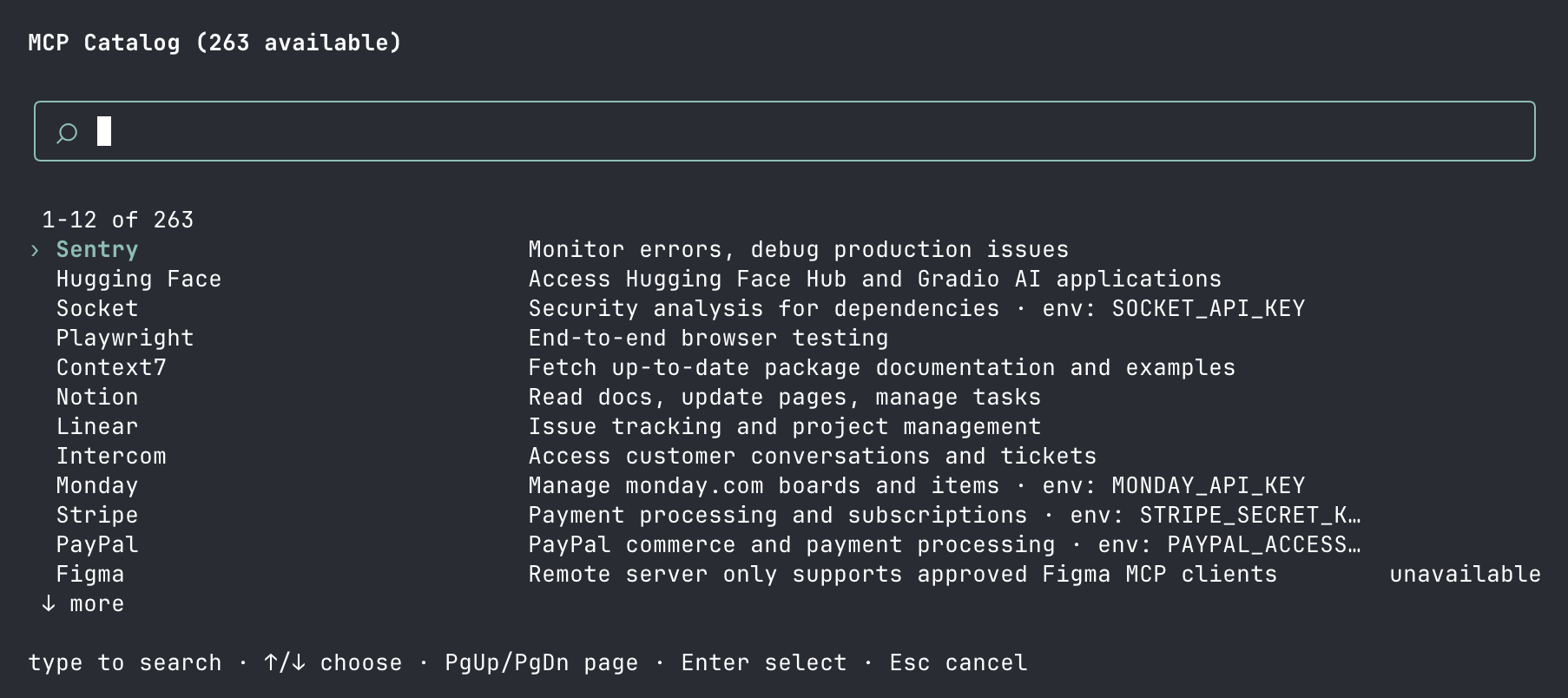
The MCP manager lets you browse the catalog and manage configured servers.
MCP config loads from:
<repo-root>/.backboard/mcp.json
~/.backboard/mcp.json
Use project config for shared servers and user config for secrets or personal overrides.
Example:
{
  "timeoutMs": 60000,
  "mcpServers": {
    "context7": {
      "command": "npx",
      "args": ["-y", "@upstash/context7-mcp@latest"],
      "enabledTools": ["resolve-library-id", "get-library-docs"]
    },
    "linear": {
      "type": "streamable-http",
      "url": "https://mcp.linear.app/mcp",
      "timeoutMs": 120000
    }
  }
}
Notes:
/mcpcan add curated servers or manual entries.- HTTP MCP servers can authenticate in the browser when they support OAuth.
enabledToolsis an allowlist. If present, only those exact MCP tool names are exposed.- MCP tools appear to the model as
mcp__server__tool. - Servers marked unavailable in the catalog are hidden from suggestions and explain why if you ask for them by name.
Review project MCP config before running it. Local stdio MCP servers start commands on your machine with your permissions.
You can also let the agent find a server for you with find_mcp. See Discovery tools.
Permissions and MCP tools
MCP tools go through the same permission pipeline as built-in tools. Write rules against the tool name as the model sees it:
{
  "permissions": {
    "deny": ["mcp__linear__create_issue"]
  }
}
Hooks
Hooks run local commands at important session events. Open the manager:
/hooks
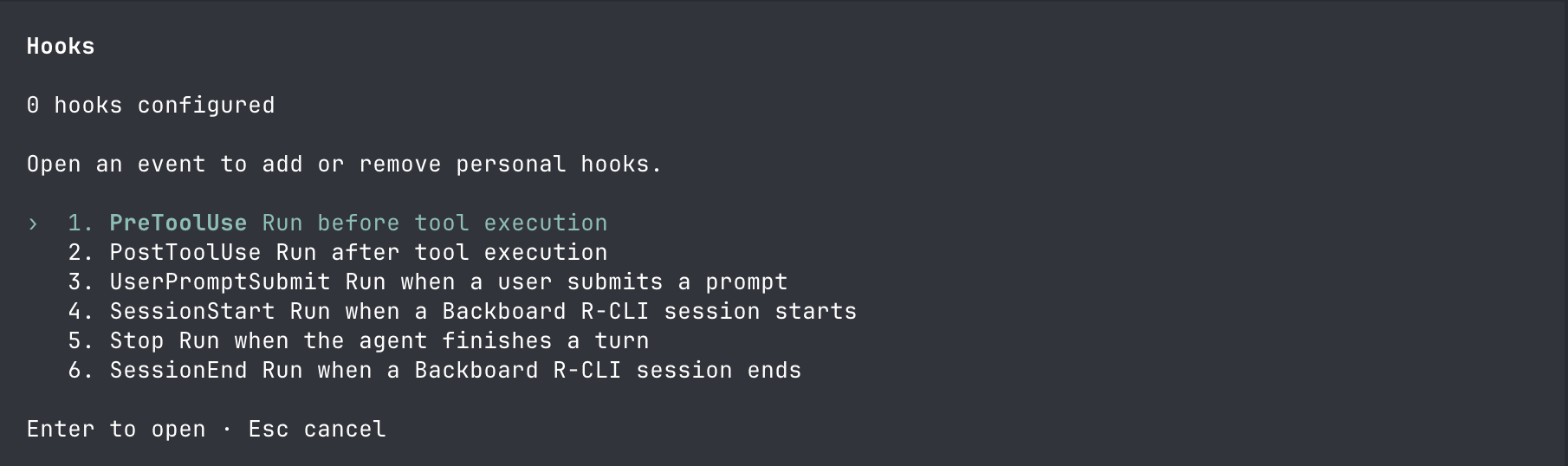
Hooks can run before prompts, around tool calls, and at session start or end.
Hook config loads from:
<repo-root>/.backboard/hooks.json
~/.backboard/hooks.json
Supported events:
| Event | When it runs |
|---|---|
SessionStart | When a session starts |
UserPromptSubmit | When you submit a prompt |
PreToolUse | Before a tool runs |
PostToolUse | After a tool runs |
Stop | When the agent finishes a turn |
SessionEnd | When the session ends |
Example:
{
  "hooks": {
    "PreToolUse": [
      {
        "matcher": "Execute",
        "hooks": [
          {
            "type": "command",
            "name": "shell-policy",
            "command": "node ~/.backboard/hooks/shell-policy.js",
            "timeoutMs": 60000
          }
        ]
      }
    ]
  }
}
Hooks receive JSON on stdin and may return JSON on stdout. Use them for local policy checks, extra context, or audit logging.
Hooks and permissions are complementary. Hooks run first and can inject context or block a call with custom logic; permissions then decide whether the call needs your approval.
Related
- Permissions — control which tools run without asking
- Skills and discovery — let the agent find MCP servers on demand
- Command reference — all config file locations